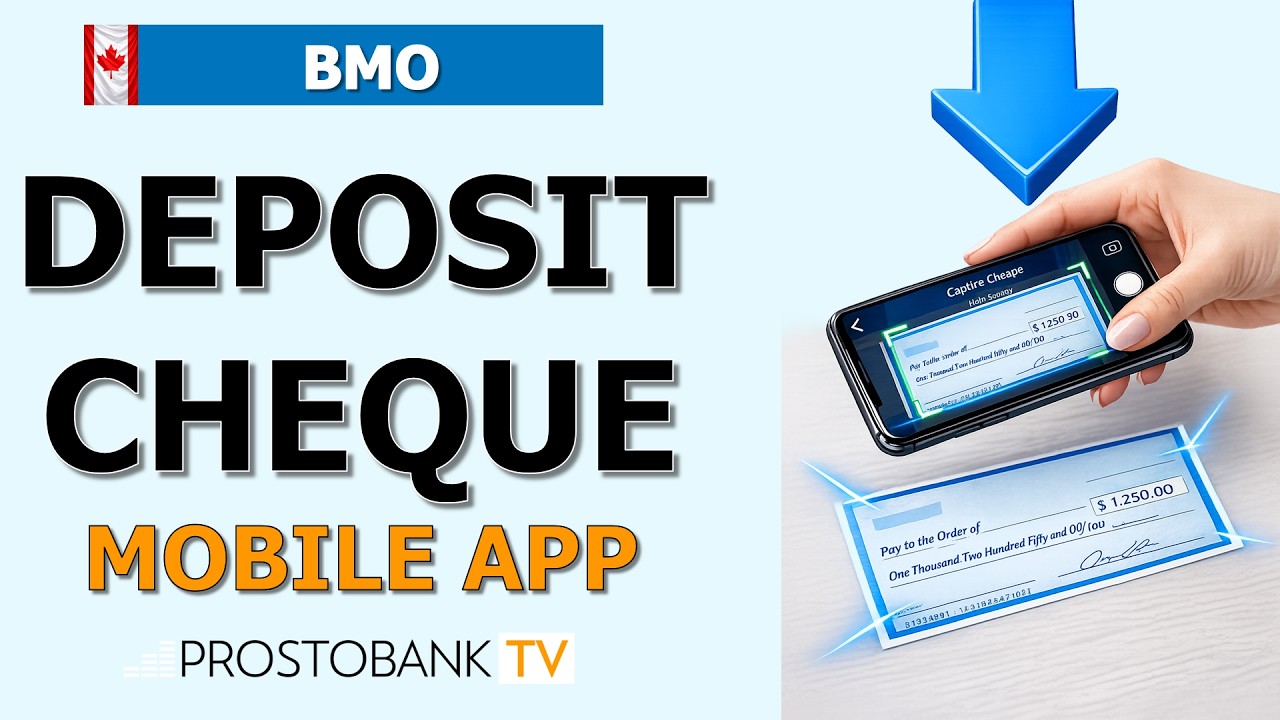

Depositing a cheque no longer requires a trip to the local branch or ATM. With the BMO Mobile Banking app, you can securely deposit Canadian dollar cheques from the comfort of your home or while on the go. This digital service uses your smartphone's camera to capture high-quality images of the cheque, which are then processed securely through BMO's encrypted network.
To ensure a successful transaction, it is essential to have a clear, well-lit environment and a stable internet connection. BMO's mobile deposit feature is available 24/7, providing you with immediate confirmation of your deposit and faster access to your funds compared to traditional mail-in methods. Follow the structured algorithm below to complete your first digital deposit safely.
BMO Mobile Deposit Overview
| Category | Details |
|---|---|
| Daily Limits | Varies by account; check your specific limit in the "Deposit a Cheque" screen. |
| Hold Periods | Standard holds apply (usually 4–5 business days), though the first $100 may be available sooner. |
| Eligible Items | Personal and business cheques drawn on Canadian financial institutions in CAD. |
Algorithm: How to Deposit Your Cheque Step-by-Step
- Step 1: Sign the back of your cheque and write "For deposit only to account #[Your Account Number]".
- Step 2: Open the BMO Mobile Banking app and log in using your 16-digit debit card number and password.
- Step 3: Tap the More menu (or Pay & Transfer) and select Deposit a Cheque.
- Step 4: Select the account you wish to deposit into and enter the exact Cheque Amount.
- Step 5: Follow the on-screen prompts to take clear photos of the Front and Back of the cheque against a dark, flat surface. Review the details and slide to Deposit.
Pro-Tip: After a successful deposit, write "Deposited" and the date on the front of the physical paper cheque. Keep the original document in a secure location for 14 days before shredding it. This efficiency hack ensures you have the original on hand if the bank requires verification while preventing accidental double-deposits.
Troubleshooting Common Digital Issues
- MFA Code Delays: If you are prompted for 2-Step Verification and the code doesn't arrive, ensure you have a strong cellular signal. If the SMS is blocked, choose the option to receive the authentication code via an automated voice call to your registered phone.
- Image Rejection Errors: If the app cannot "read" your cheque, ensure there is no glare on the surface and that all four corners of the cheque are visible within the camera frame. Using a dark, high-contrast background significantly improves the app's ability to focus.
- Locked BMO ID: If you enter your password incorrectly while trying to log in, your digital profile may lock for security. Use the Forgot Password link to reset your credentials using your card details and security questions to regain access immediately.
Frequently Asked Questions
Is there a fee for using BMO mobile cheque deposit?
BMO does not charge an additional fee for depositing cheques through the mobile app for personal accounts; however, the deposit will count toward your monthly transaction limit if your plan has one.
When will the money from my online deposit be available?
Cheques deposited before 8:00 p.m. ET on a business day are considered received that day. While holds are standard, you may have immediate access to a portion of the funds (typically the first $100) depending on your account's "Right to Access" limit.