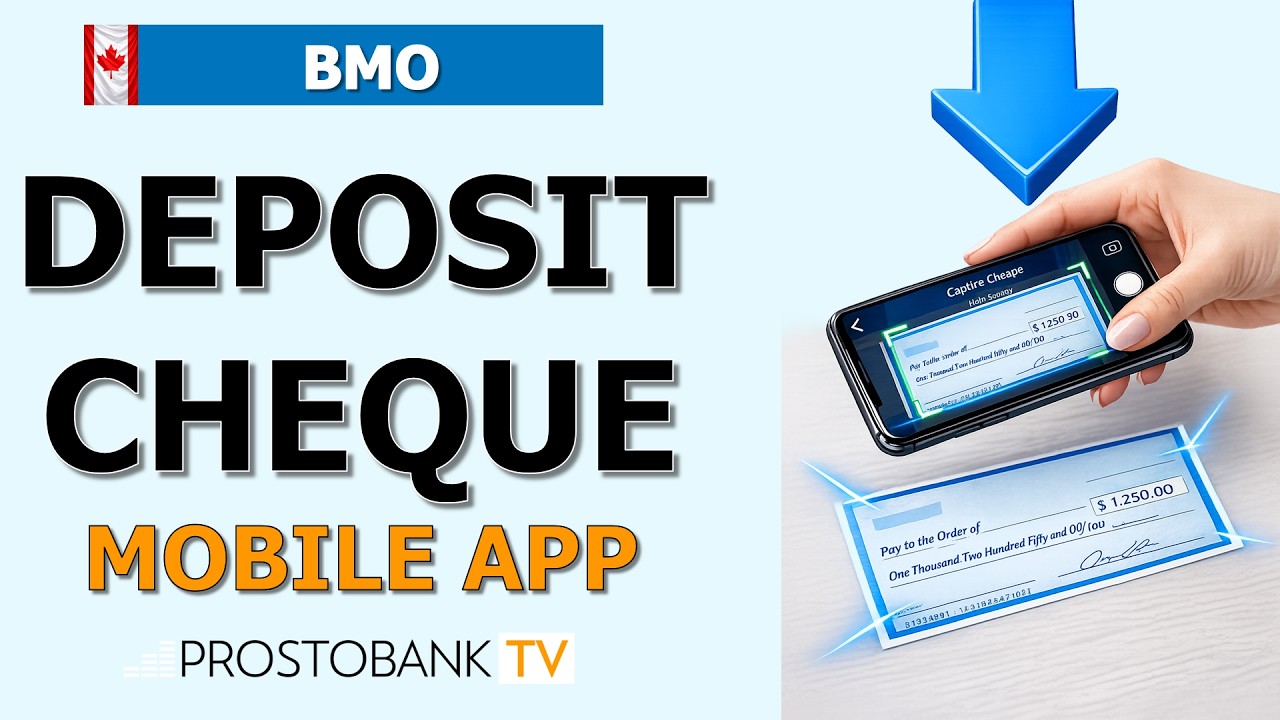
A void cheque is an essential document required by employers to set up payroll direct deposits and by utility companies to establish pre-authorized debits (PADs). For members of Coast Capital Savings, this document provides the exact 5-digit branch transit number, the 3-digit institution number (809), and your unique account number, ensuring your incoming funds and outgoing payments are routed securely and with absolute precision.
Historically, members had to order an expensive physical chequebook just to write "VOID" across a single page. Today, Coast Capital has completely modernized this process. Whether you are using a desktop computer or the mobile app, you can instantly generate and download a secure, official digital void cheque. By following the correct download steps and knowing how to bypass common browser roadblocks, you can submit your banking details to your HR department in minutes.
Coast Capital Void Cheque Overview
| Category | Details |
|---|---|
| Document Format | Secure Digital PDF |
| Included Information | Member Name, Address, Transit, Institution, and Account Number |
| Eligible Accounts | Coast Capital Chequing and Savings Accounts |
| Platform Access | Coast Online Banking & Coast Mobile Banking App |
Step-by-Step Guide to Downloading Your Void Cheque
Follow these exact steps to securely generate your official banking document through the digital portal:
- Navigate to the official Coast Capital Savings website and log in to Coast Online Banking using your Username and Personal Access Code (PAC).
- From the main navigation menu, click on the Account Overview tab.
- Select the Download Void Cheque option from the available drop-down list or quick links.
- Choose the specific chequing or savings account you wish to generate the document for using the account selector tool.
- Verify that your registered home address displayed on the preview screen is accurate and up to date.
- Click the Export or Download button to instantly save the official PDF document to your device.
Troubleshooting Digital Void Cheque Issues
If you encounter technical roadblocks while attempting to generate your document, here is how to resolve the most common issues:
- Browser Pop-up Blockers: Because the digital void cheque is generated as a secure PDF file, aggressive pop-up blockers or strict browser extensions may prevent the file from downloading. If you click "Export" and nothing happens, check your browser's address bar for a blocked pop-up notification, allow pop-ups for the Coast Capital domain, and clear your cache before trying again.
- Multi-Factor Authentication (MFA) Delays: When logging in from an unrecognized computer to access your sensitive routing forms, the system will trigger a 2-Step Verification SMS text. If your telecom carrier delays the message, do not repeatedly click "resend," as this will freeze your secure session. Wait 60 seconds or select the option to receive the one-time code via your registered email address instead.
- Locked ID: Entering your password or PAC incorrectly multiple times will lock your digital profile to protect your financial data from unauthorized access. If your Username is locked, you cannot generate your void cheque digitally; you must use the Forgot PAC tool to reset your credentials or call Coast Capital member support to manually verify your identity.
Pro-Tip: If you need to submit your banking details urgently while on the go, bypass the desktop computer entirely. Log into the Coast Mobile Banking App, generate the digital void cheque directly from your smartphone, and use your device's native sharing menu. This efficiency hack allows you to instantly email the PDF to your employer or securely upload it to your company's payroll portal without ever needing to print paper or transfer files manually.
Frequently Asked Questions
Does downloading a digital void cheque cost money?
No. Unlike ordering a physical, printed chequebook from a third-party supplier, generating and downloading a digital void cheque through Coast Online Banking or the mobile app is a completely free service for all members.
Can I use a void cheque to set up a US Dollar direct deposit?
No. A standard Coast Capital void cheque is explicitly designed for Canadian Dollar (CAD) transactions processed through the domestic Canadian clearing system. If you need to set up a cross-border USD direct deposit or receive an international wire transfer, you will require different routing details, such as a SWIFT code.