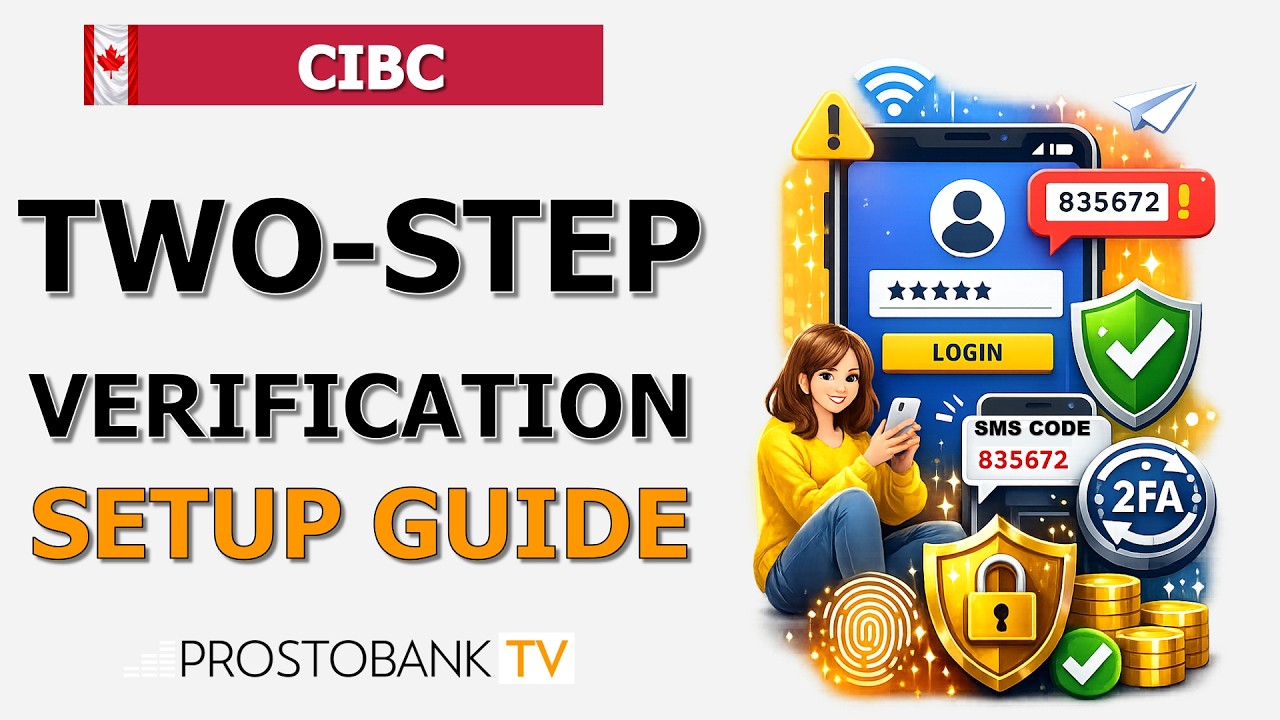

CIBC two-step verification (2SV) is a vital layer of security that protects your digital banking profile from unauthorized access. In an era of increasing cyber threats, relying solely on a password is no longer sufficient; two-step verification ensures that even if your login credentials are compromised, unauthorized users cannot access your funds without a secondary, time-sensitive code sent directly to your verified device.
This security measure is seamlessly integrated into both CIBC Online Banking and the CIBC Mobile Banking app. By verifying your identity through a mobile phone or email, you can bank with peace of mind, knowing that your personal information and hard-earned savings are shielded by advanced encryption and multi-factor authentication protocols. It is a simple yet powerful way to stay ahead of fraud and identity theft.
At a Glance: CIBC Security Verification Options
| Category | Details |
|---|---|
| Methods | SMS (Text), Voice Call, or Push Notifications via the app. |
| Setup Time | Less than 2 minutes via Online or Mobile Banking. |
| Requirement | A verified Canadian or U.S. mobile number or email address. |
| Cost | $0 (Standard message and data rates may apply). |
Algorithm: How to Enable Two-Step Verification
To enhance your account security, follow this exact sequence of actions to activate two-step verification on your CIBC profile:
- Log in to CIBC Online Banking or the CIBC Mobile Banking app.
- From the main menu, select Settings and Security.
- Under the Security section, click on Two-step verification.
- Verify that your Mobile Number and Email Address on file are correct; if not, update them first.
- Select your preferred method for receiving codes (e.g., Text Message).
- Click Activate or Turn On.
- Enter the 6-digit verification code you receive to confirm the setup and click Submit.
Pro-Tip: Efficiency Hack: Instead of waiting for an SMS and manually typing in a code, enable Push Notifications within the CIBC Mobile Banking app. This allows you to approve login attempts with a single tap on your smartphone screen, making the process both faster and more secure against SIM-swapping attacks.
Troubleshooting Common Security Setup Issues
If you encounter technical hurdles while activating your security features, consider these three common "pain points":
- MFA Delays (SMS Not Arriving): SMS codes can occasionally be delayed by cellular network congestion. If you do not receive a code within 60 seconds, try requesting a Voice Call instead, as automated calls often bypass the queuing issues associated with text messages.
- Browser Navigation Errors: Outdated browser data or aggressive "Ad-Blocker" extensions can prevent the verification prompt from rendering correctly. Clear your browser cache and cookies or attempt the setup in an Incognito/Private window to ensure all security scripts load.
- Locked Online ID: If you enter the wrong verification code too many times, CIBC will lock your digital profile for your protection. To restore access, you must call 1-800-465-2422 and verify your identity with a representative to have your Online ID unlocked manually.
Frequently Asked Questions
Is two-step verification mandatory for CIBC clients?While CIBC strongly recommends it for all users, it is often mandatory for high-risk transactions, such as adding a new Interac e-Transfer recipient or changing your primary address. It is best practice to keep it enabled for all logins.
What if I lose my phone and cannot receive the code?If you lose access to your primary device, you can use your verified Email Address as a backup method if previously configured. Otherwise, you must visit a CIBC Banking Centre with two pieces of ID to update your contact information.
Can I use an international phone number for codes?Currently, CIBC two-step verification primarily supports Canadian and U.S. mobile numbers. If you are travelling abroad, ensure you have access to your registered email or use the push notification feature via Wi-Fi.