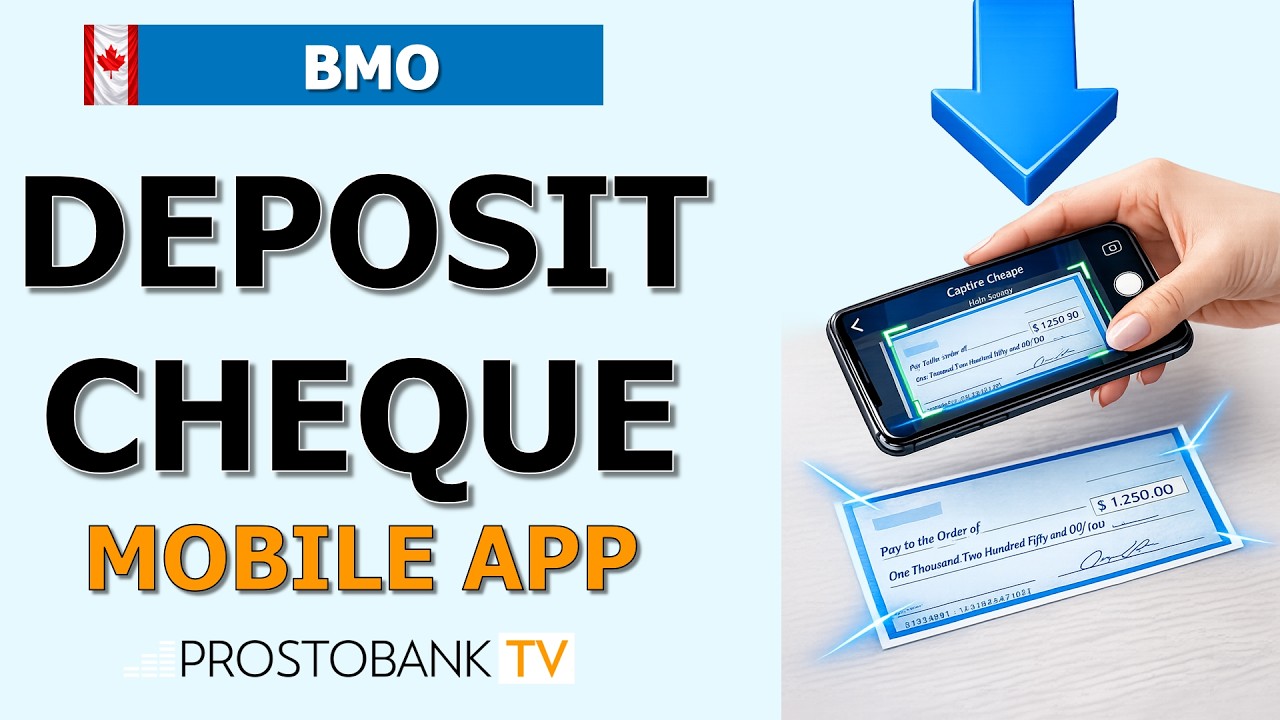

Mobile Cheque Deposit is the fastest way to add funds to your BMO account. The BMO Mobile Banking app has automated most of the process, but following the correct endorsement and photo steps is vital for approval.
Steps to Deposit a Cheque via BMO App
To ensure your deposit isn't rejected, follow this sequence:
- Sign the back: Endorse the cheque and write "For deposit only to BMO account [Your #]".
- Open 'Deposit': Find the deposit icon in the bottom menu.
- Photo: Use a dark, non-reflective background.
BMO Mobile Deposit Limits
Limits are personalized based on your history with the bank.
| Account Type | Daily Limit |
|---|---|
| Personal | Up to $10,000 |
| Business | Up to $50,000 |
Funds Availability and Hold Periods
BMO typically applies a hold of 4 to 7 business days. The first $100 is often available immediately.
Troubleshooting Failed Deposits
If the app won't accept your cheque, check for shadows, blurry images, or missing signatures on the back.
Keep the physical cheque for 14 days before shredding it.