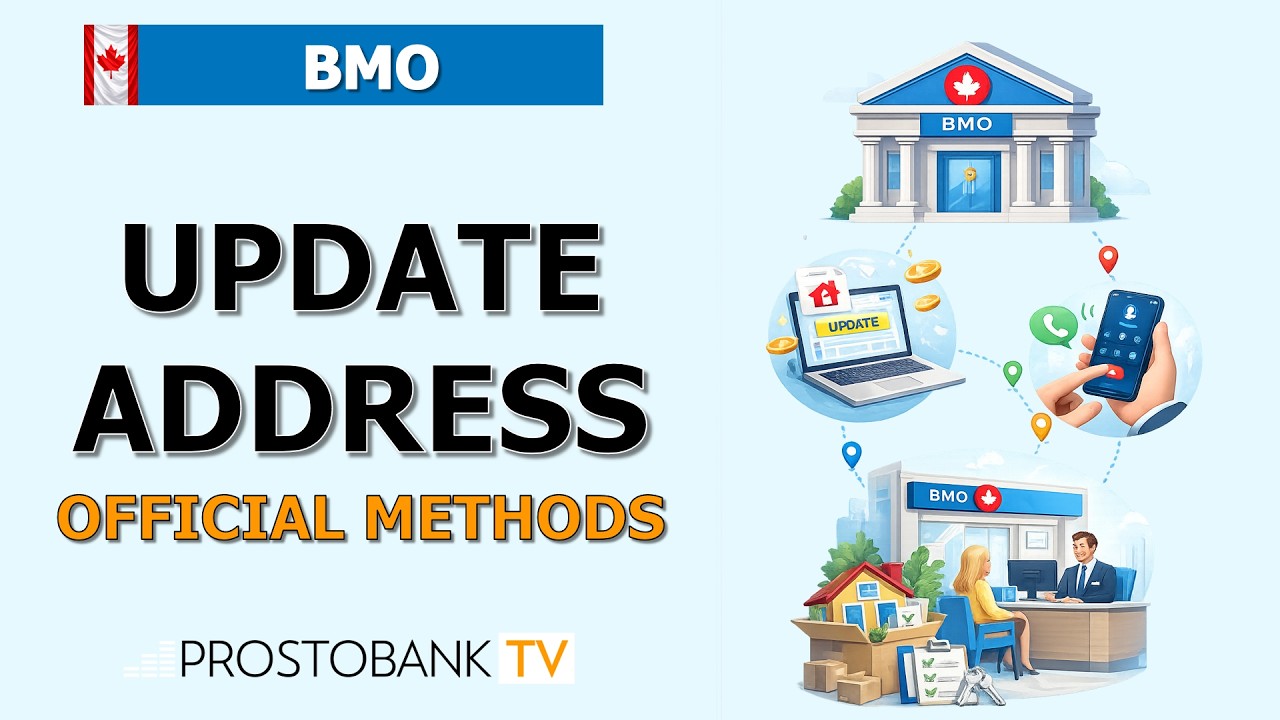

Moving to a new home in Canada brings a long checklist of tasks, and updating your financial records should be at the top. Keeping your Bank of Montreal (BMO) profile updated with your current residential and mailing address is critical for receiving important tax documents, replacement debit cards, and security alerts without delay.
Fortunately, you do not need to wait in line at a branch to update your contact details. BMO provides a highly secure, integrated digital portal that allows you to change your address across all your linked personal accounts in just a few clicks. This guide outlines the exact steps to seamlessly manage your profile online.
BMO Address Update Overview
| Category | Details |
|---|---|
| Eligibility | Personal chequing, savings, and standard credit card accounts. |
| Processing Time | Updates take effect immediately across digital platforms. |
| Verification | Requires active Multi-Factor Authentication (MFA) setup. |
Step-by-Step Guide: Changing Your BMO Address Online
- Step 1: Visit the BMO homepage and Sign In to your Online Banking profile using your Client ID and password.
- Step 2: Authenticate your secure login by entering the temporary Multi-Factor Authentication (MFA) code sent to your registered mobile phone.
- Step 3: Click on your name or the My Profile & eDocuments tab located in the upper navigation menu.
- Step 4: Select Contact Information from the dropdown menu to view your current address details.
- Step 5: Click Edit next to your residential or mailing address, input your new Canadian postal code and street details, and click Save.
Pro-Tip: To make the process faster, use the BMO Mobile Banking app instead of a desktop browser. This efficiency hack allows you to bypass the manual SMS MFA step by using biometric login (Face ID/Touch ID), granting you immediate, secure access to the "My Profile" settings to update your address in seconds.
Troubleshooting Digital Profile Updates
- MFA Code Delays: If your SMS verification text is delayed during login, check your cellular network connection. Alternatively, select the prompt on the screen to receive the authentication code via an automated voice call to an alternate registered phone number.
- Browser Errors: If the address update page continuously loads or the "Save" button is unresponsive, disable any active pop-up or ad blockers. If the issue persists, clear your browser cache and cookies, or attempt the change in an Incognito/Private browsing window.
- Locked BMO ID: Entering an incorrect password multiple times will lock your digital profile for your protection. Regain access safely by clicking the Forgot Password link and verifying your identity using your BMO card details and contact information.
Frequently Asked Questions
Will updating my address online change it for my BMO mortgage or investments?
Updating your profile through standard online banking will typically update your everyday chequing, savings, and standard BMO credit cards. However, specialized accounts like BMO InvestorLine, BMO Nesbitt Burns, or specific mortgage accounts may operate on separate billing systems and require a direct phone call to update.
Can I change my BMO address to a PO Box?
You can update your Mailing Address to a valid Canadian PO Box for receiving physical letters and bank statements. However, Canadian banking regulations require your Residential Address on file to remain a physical street location.